 Zinn® Translate
Zinn® Translate
Features
Translate your WordPress site — pages, posts, products, metadata and URL slugs — into 58 languages, each served on its own indexable address with correct hreflang. Priced by how many words your site has, never by how many languages you want.
58 languages, all included
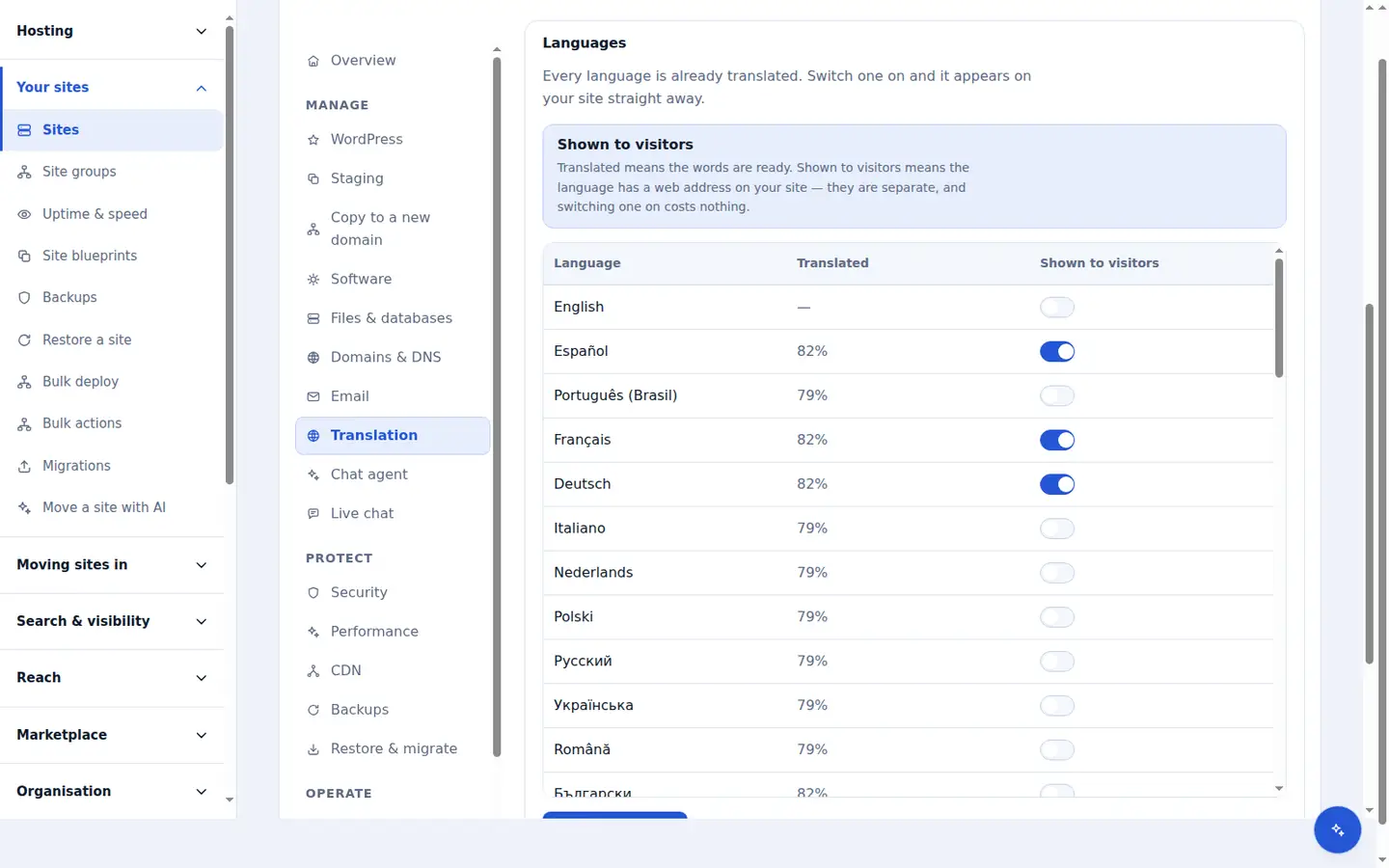
Every tier translates your site into all 58 languages, including five that read right to left. You are not choosing a language package when you subscribe: the whole set is translated up front, and publishing a language is a switch in the plugin rather than a new order.
Most translation products charge per language, which turns every new market into a purchasing decision and leaves the markets you have not paid for untested. With every language already translated, you can publish Portuguese for a month, watch the traffic, and keep it or hide it again — and the cost of trying never changes.
Translated URL slugs
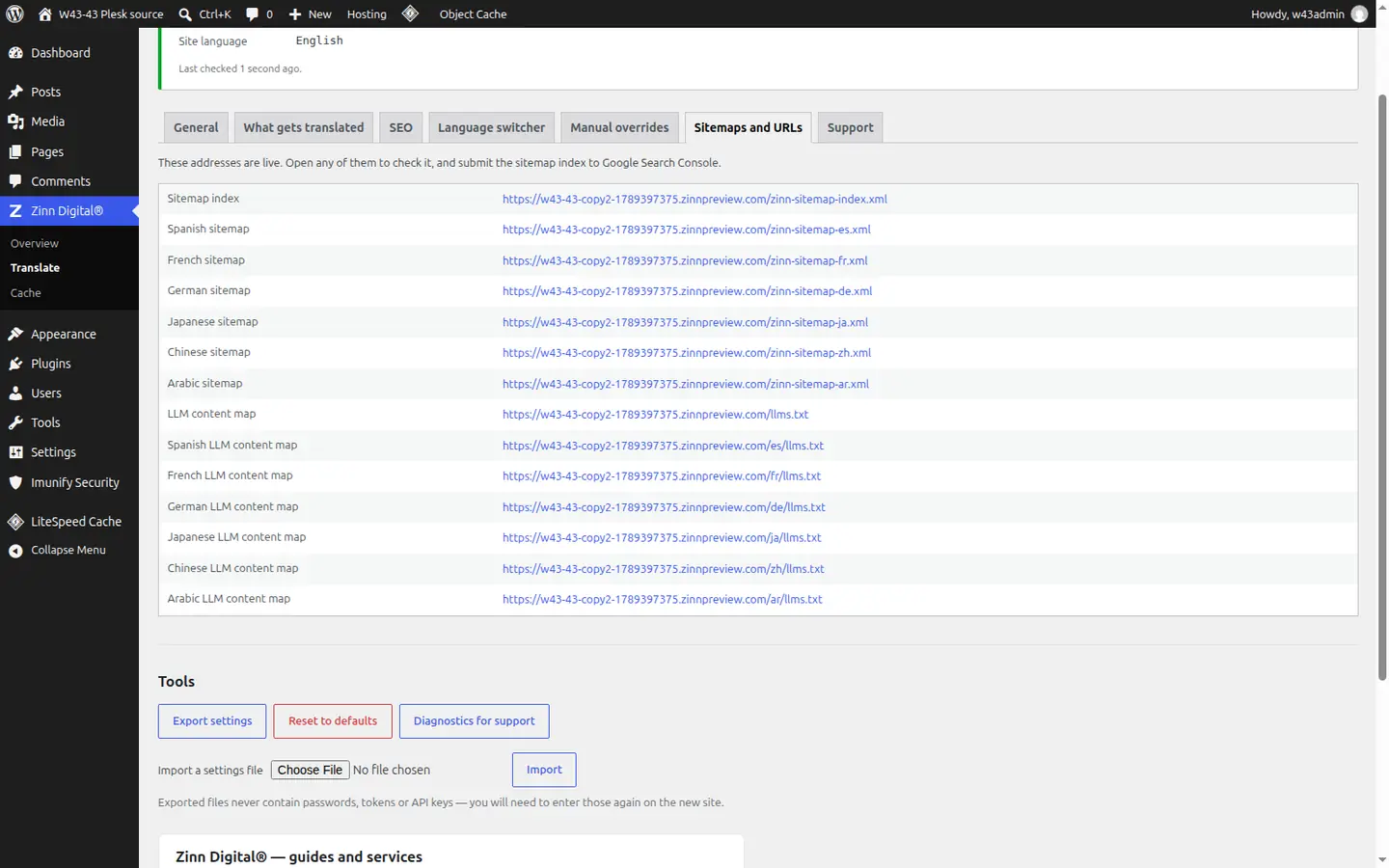
Each translated page gets its own address with a translated slug: a German reader lands on a German path, not an English one behind /de/. The untranslated address in that language redirects permanently to the translated one, and if a later re-translation changes a slug, the previous address redirects too.
The address is one of the first things a search engine and a searcher read. A page about opening hours ranks better in Spanish as /es/horario-de-apertura/ than as /es/opening-hours/, and links people already shared keep working because nothing old is ever left to break.
SEO metadata, not just body copy
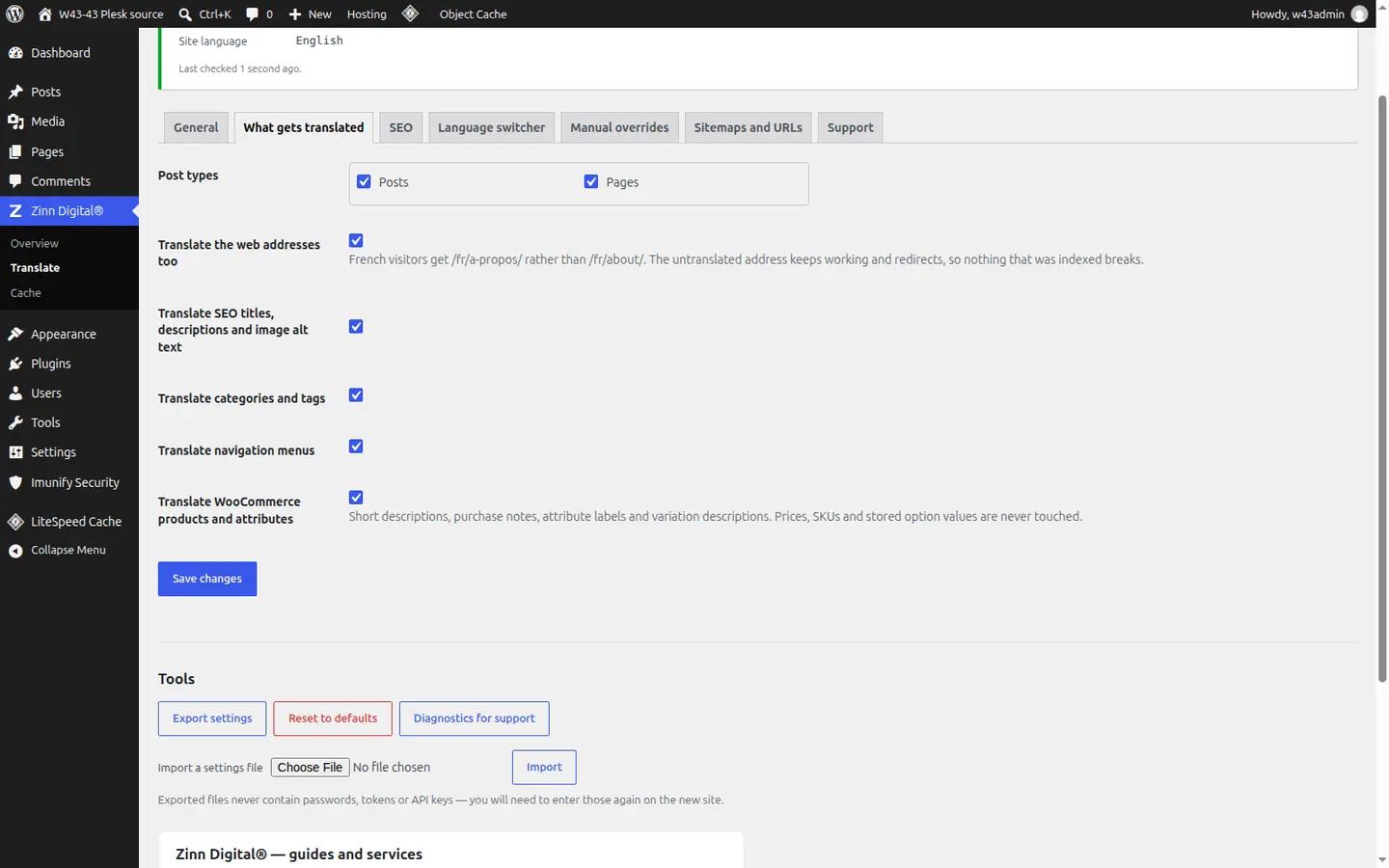
Zinn® Translate translates the parts of a page a visitor never sees but a search engine reads first: the SEO title and meta description, OpenGraph and Twitter card text, image alt text, breadcrumb labels, categories and tags, menus, and your site title and tagline.
A page with German body copy and an English title shows up in German search results with an English headline, and a link shared on LinkedIn previews in the wrong language. Translating the metadata is what makes the translated page look native wherever it appears.
hreflang, sitemaps and llms.txt
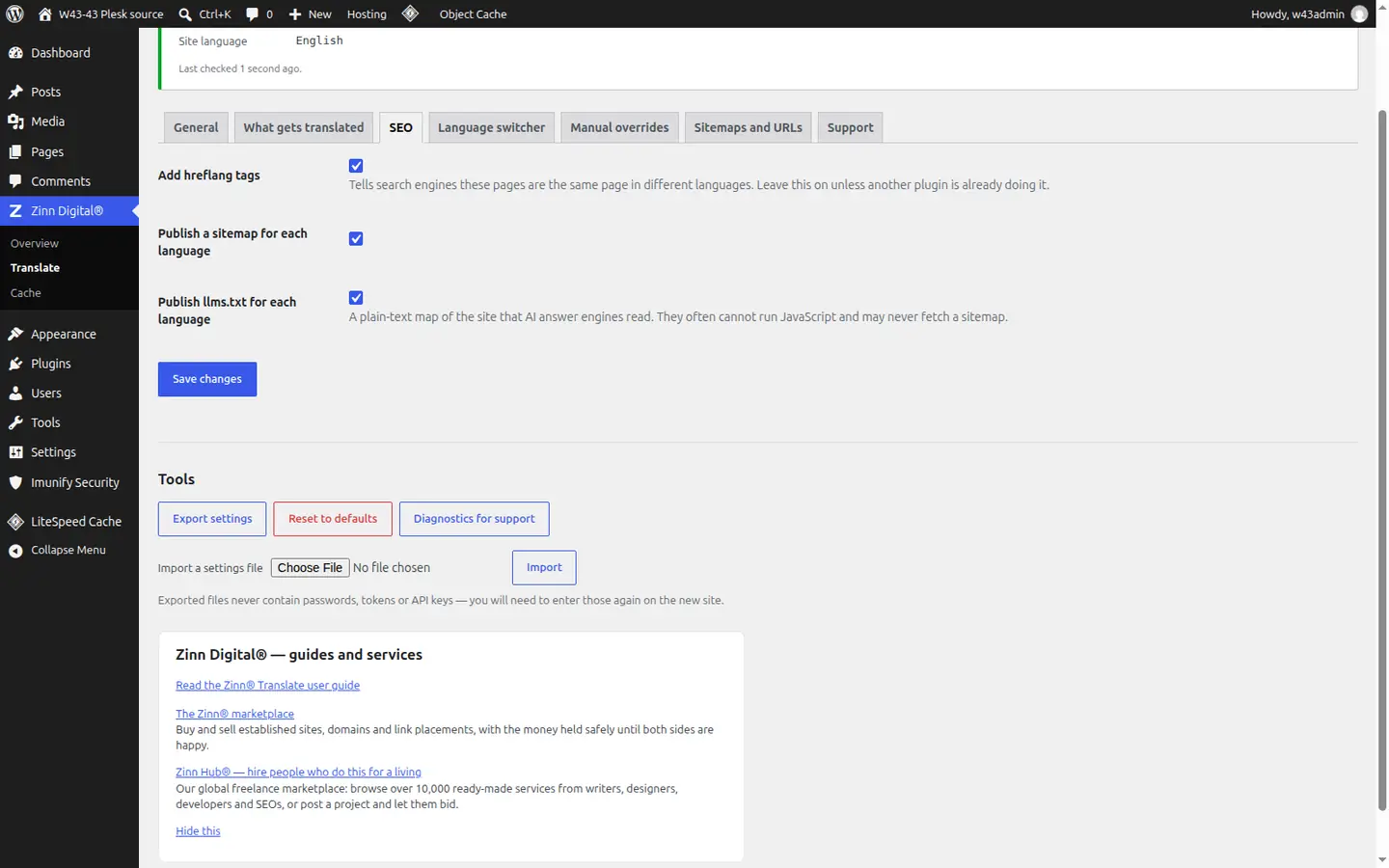
Every published page carries reciprocal hreflang links to each of its translations, a self-reference and an x-default, declares its own lang attribute and dir="rtl" where needed, and keeps its canonical pointing at itself. Each language has its own sitemap, listed in /zinn-sitemap-index.xml and announced in robots.txt, and its own llms.txt for AI answer engines.
Without hreflang, search engines can treat your translations as duplicates of each other and show the wrong language to the wrong country. Per-language sitemaps make sure every translated page is discovered, not just the ones a crawler happens to reach by following a link.
Incremental re-translation
Every translated string is stored against a hash of its source text. When you publish or update a page, only the strings whose text actually changed are marked out of date and translated again; everything else is served from what is already there. Your site is read again at least once a day, and whenever you press Read the site now.
Correcting a typo should not re-translate a whole page into every language, and resaving a page without changing a word should cost nothing. Incremental re-translation keeps every language in step with your source without waiting for a manual re-run.
Corrections that stick
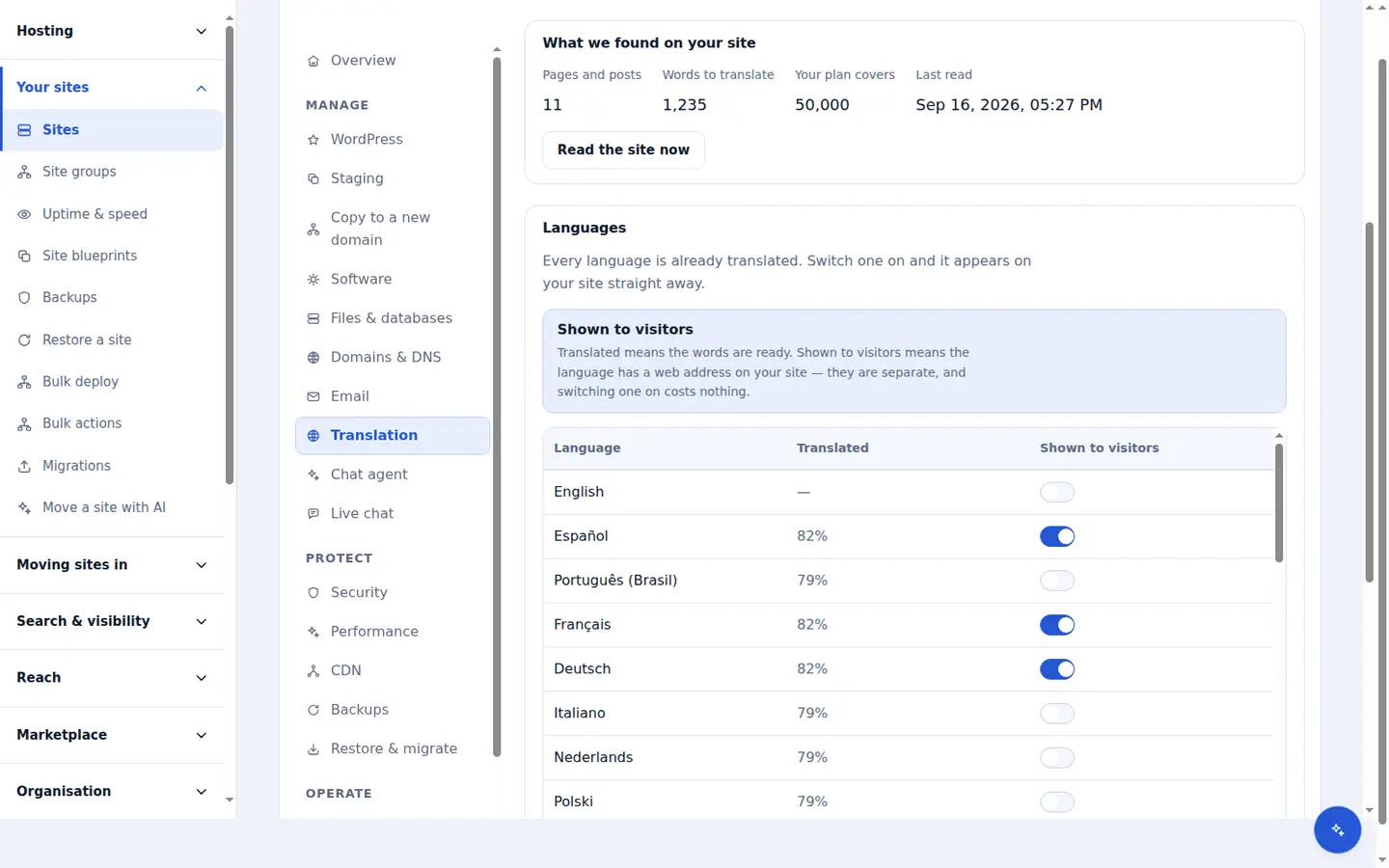
Any translated string can be edited by hand on the plugin's Manual overrides screen. You can search every translation on the site, and each string shows whether it is up to date, whether its source has changed, or whether it was edited by you.
Machine translation is right most of the time, but a headline, a tagline or a product name is where a brand is judged. A translation you edited is marked as yours and is never overwritten by a later re-translation, so your wording survives every edit to the page around it.
WooCommerce stores
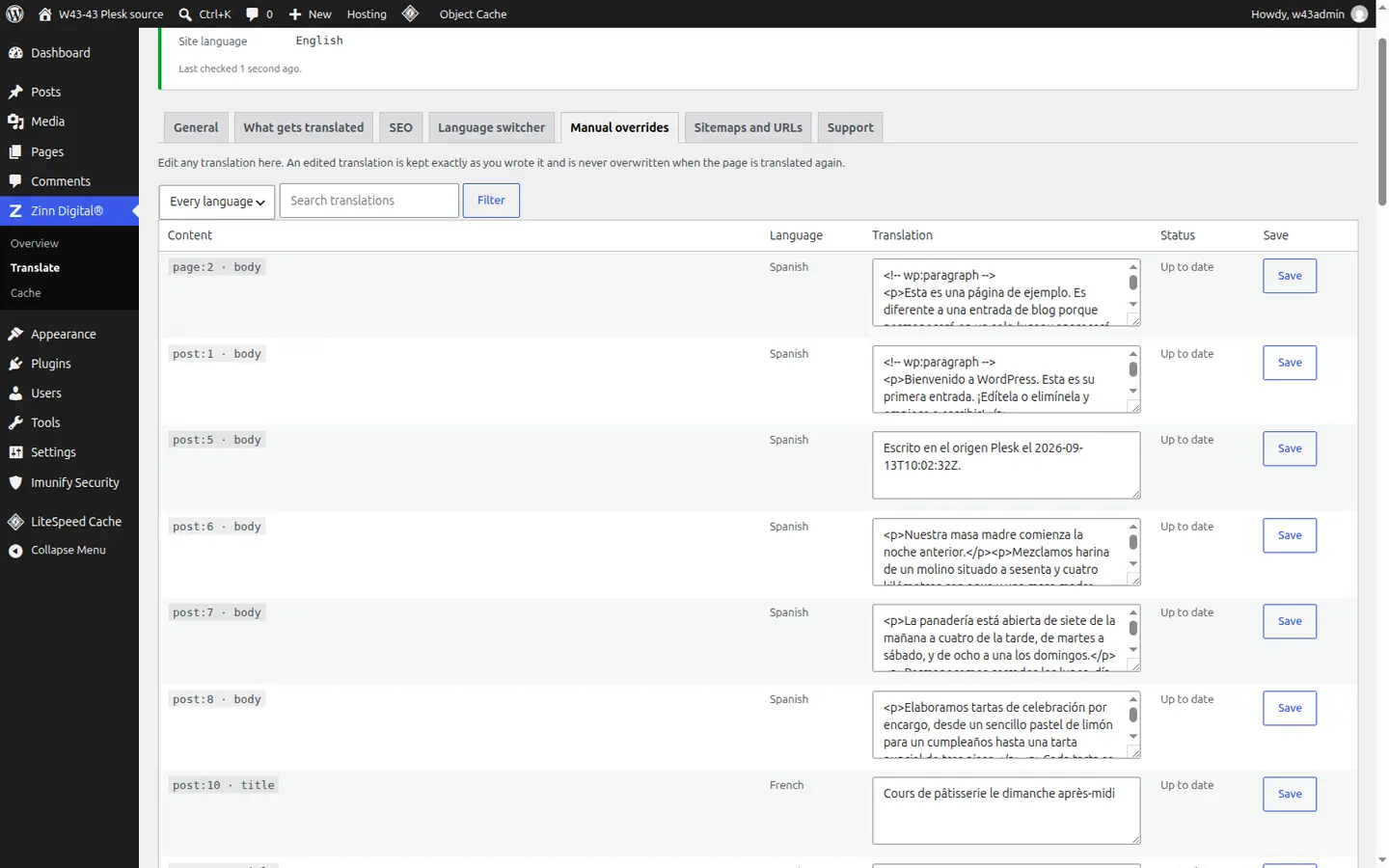
On a WooCommerce store, product names, descriptions, short descriptions, purchase notes, attribute labels and values, and variation descriptions are translated. Publishing a language also installs the WordPress and WooCommerce language packs for it, so buttons such as Add to cart appear in the shopper's language.
A shopper buys from a page they can fully read. Prices, SKUs and the stored values that identify a variation are never touched, because translating those would put the wrong item in the basket — so the catalogue stays one catalogue while every product page reads in the shopper's language.
A language switcher that fits your theme
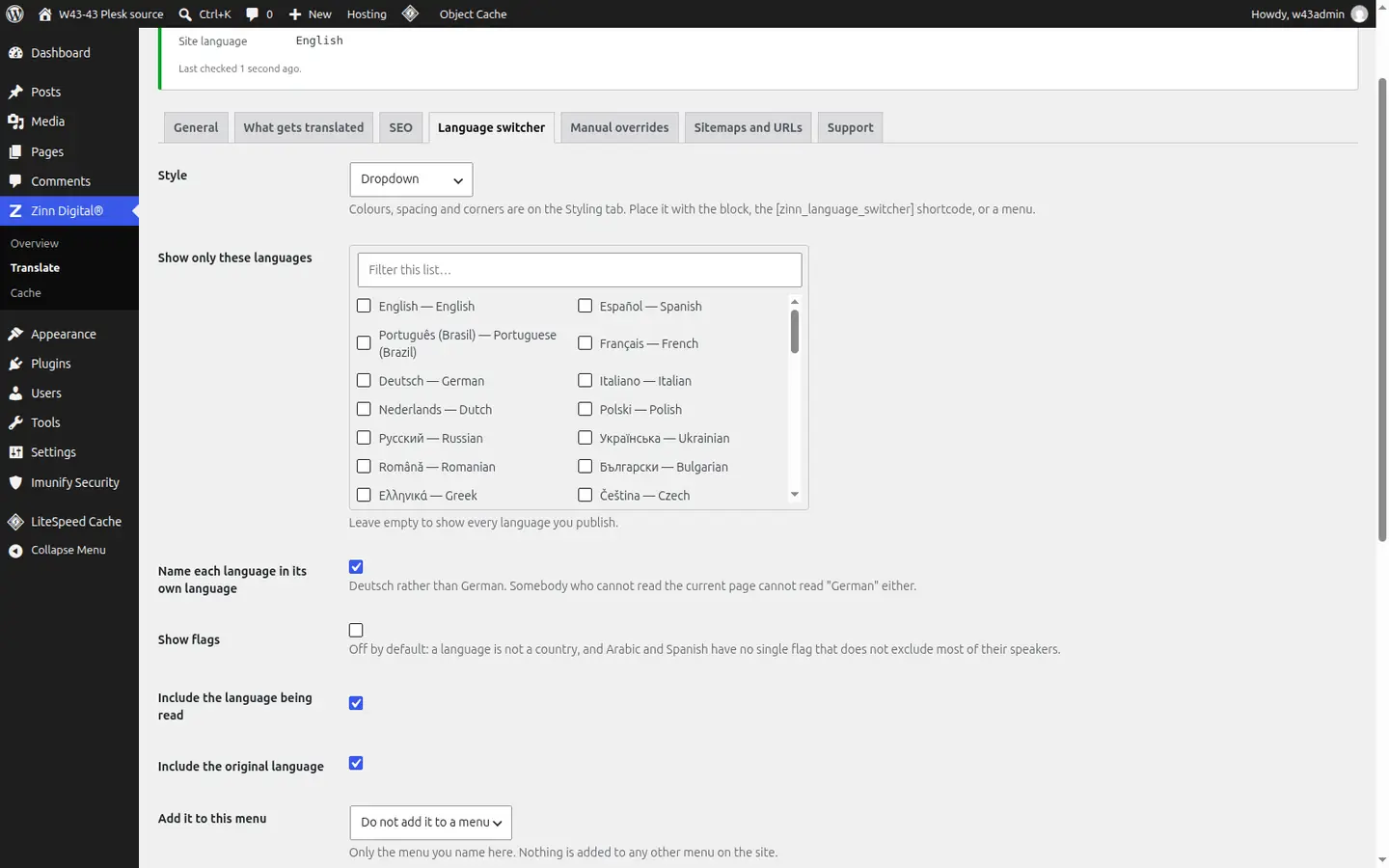
The language switcher is one control you can place four ways: the [zinn_language_switcher] shortcode, a block, a widget or a menu item. It comes in six styles — dropdown, inline list, pills, minimal text, flags and names, and stacked list — with your own colours, spacing, corners and text size, and it lists only the languages you choose.
Visitors need an obvious way to find their language, and a switcher that looks bolted on undermines the page it sits on. It names each language in its own language if you like, lays itself out correctly for right-to-left languages, and works entirely from the keyboard.
Your own translation key, if you prefer
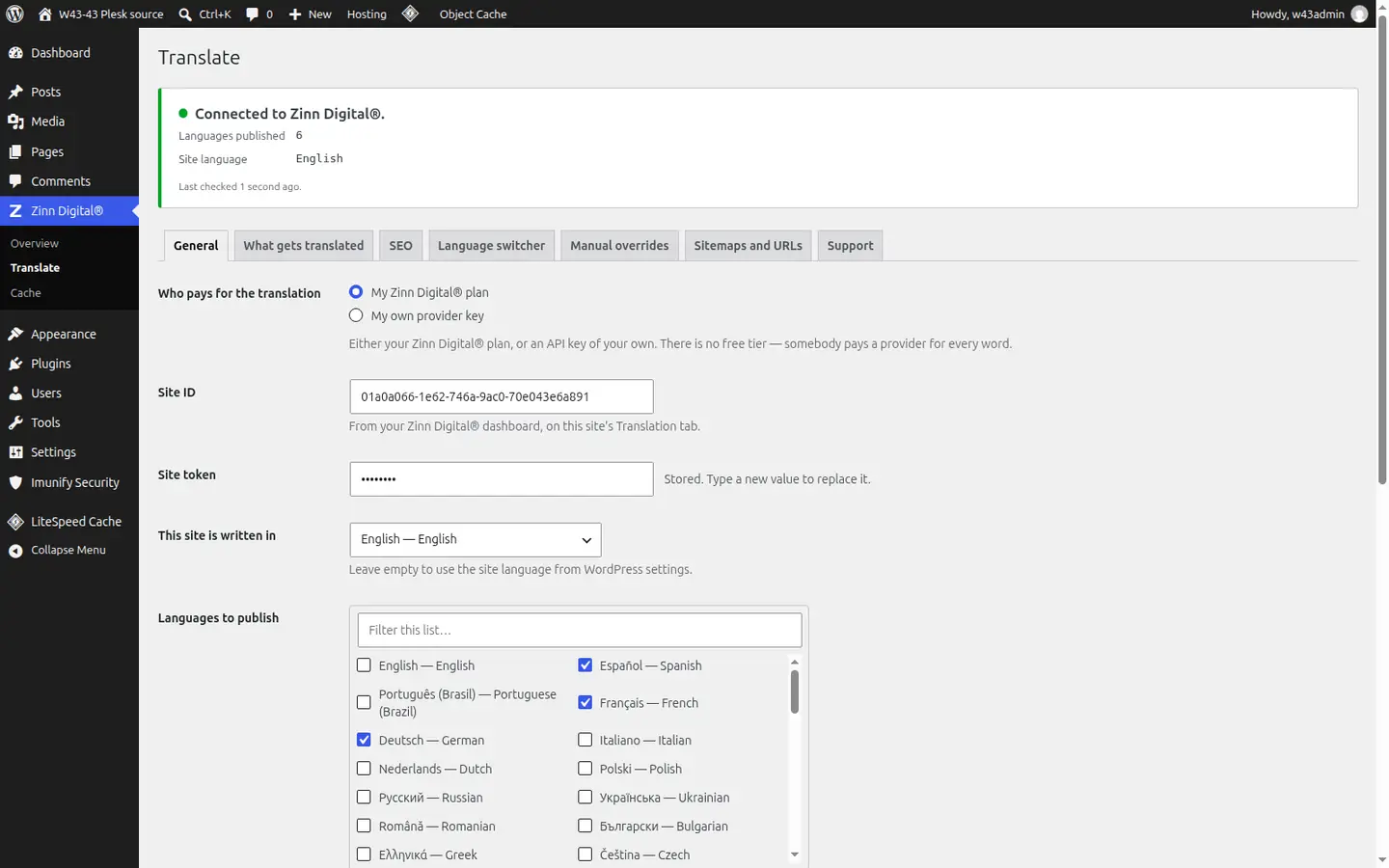
The Zinn® Translate plugin is free and can translate on its own with your own Google Gemini, DeepL or OpenAI key. In that mode you need no Zinn Digital® account at all: the plugin sends your published content to the provider you chose and the provider bills you directly.
Some teams already hold a translation account, or want the provider's bill rather than ours. The own-key mode keeps everything else identical — translated slugs, hreflang, sitemaps, the switcher and manual overrides — and your key is stored on your site and sent only to that provider.
Fast, and safe to switch off
Translations are stored in one table in your own WordPress database and applied as each page renders. There are no shadow posts, no duplicate pages and no second copy of your content to keep in step, and the plugin never fetches anything from a provider while a visitor waits.
Your translated pages keep working even if a translation provider is slow or down, because every word is already on your server. Deactivating the plugin returns your site to exactly what it was and keeps the translations, so switching it back on is instant; only uninstalling removes them.
Better together
Host the site you translate with Zinn Digital®
Zinn® Translate works wherever your WordPress site is hosted, and it needs no hosting plan. Host with us as well and the site, its translation and everything else sit in one dashboard on one invoice.
- The Zinn® Translate plugin is free on any WordPress site, hosted with us or anywhere else
- WordPress and WooCommerce hosting on our own servers, with a CDN
- One account and one invoice for hosting, translation and every other product