 Zinn® Translate
llms.txt in every language
Give AI answer engines a content map of each translated version of your site.
AI answer engines read llms.txt to understand a site. Zinn® Translate publishes one for each language, so answers in that language can cite your translated pages.
Switch it on
In Zinn Digital® → Translate, on the SEO tab, turn on Publish llms.txt for each language.
Find each language's file
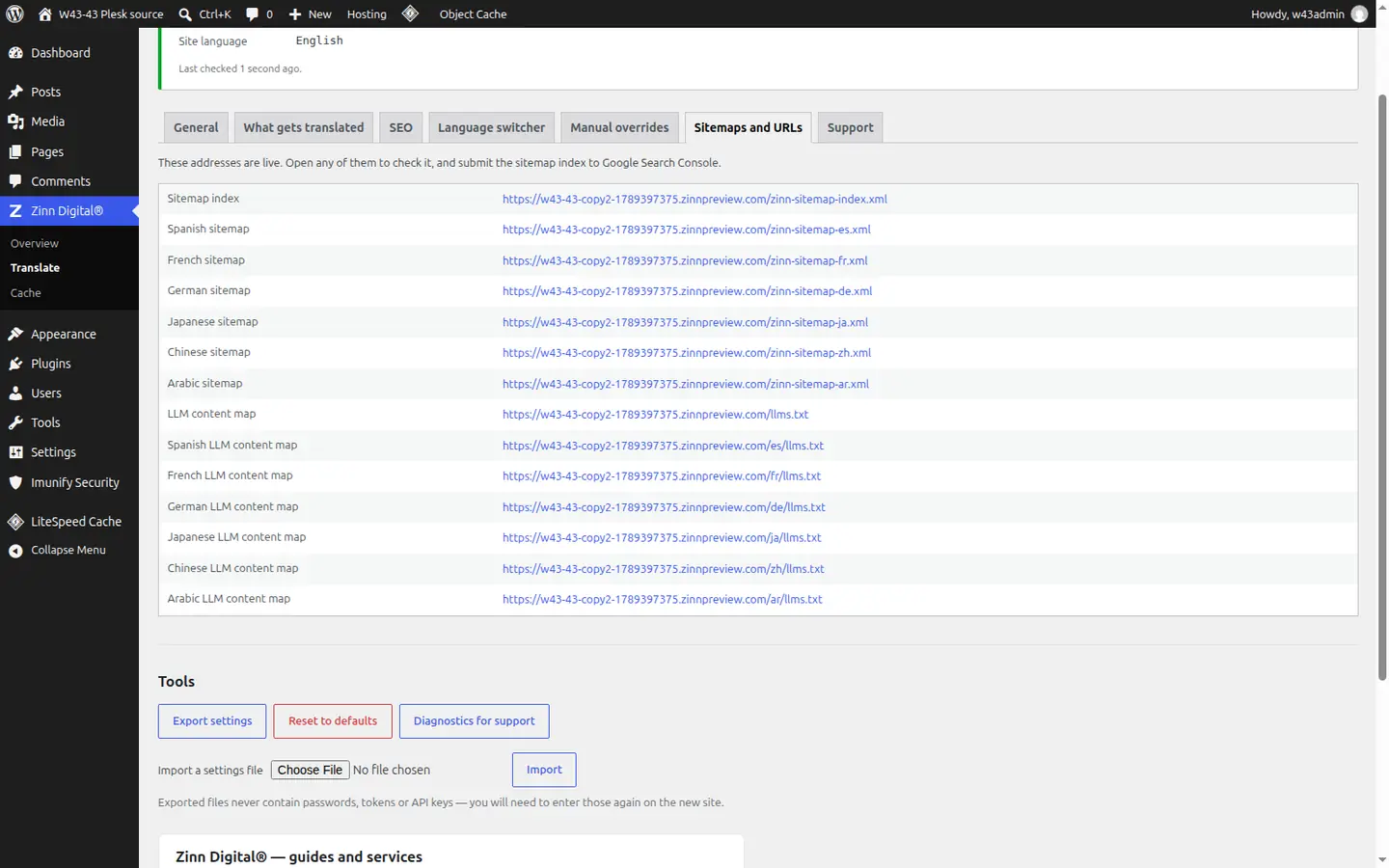
Your source language keeps /llms.txt and /llms-full.txt. Each published language gets its own under its language code — for example /de/llms.txt and /de/llms-full.txt.
Check them
The plugin's Sitemaps and URLs tab lists every language's sitemap and llms.txt address with a link to open each one.
Better together
Host the site you translate with Zinn Digital®
Zinn® Translate works wherever your WordPress site is hosted, and it needs no hosting plan. Host with us as well and the site, its translation and everything else sit in one dashboard on one invoice.
- The Zinn® Translate plugin is free on any WordPress site, hosted with us or anywhere else
- WordPress and WooCommerce hosting on our own servers, with a CDN
- One account and one invoice for hosting, translation and every other product